Samsung Galaxy A34, A25, A16 4G, M35, and A06 are also receiving One UI 8.5 stable update
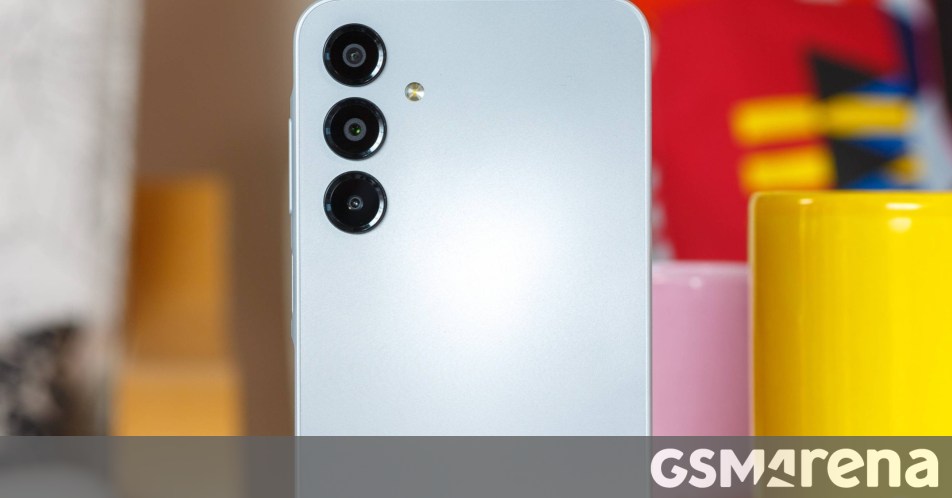
Samsung Expands One UI 8.5 Rollout: Galaxy A16 4G, A34, M35, and More Get the Update
If you’ve been waiting for the latest software refinements on your Samsung device, your patience is paying off. Hot on the heels of the Galaxy A16 5G update last week, Samsung is officially pushing the stable One UI 8.5 build to a wider range of its A and M series smartphones.
What’s New for the Galaxy A16 4G?
The 4G variant of the Samsung Galaxy A16 is now catching up with its 5G sibling. The rollout has officially kicked off in South Korea, carrying the firmware version A165NKSU7DZE7. This update brings a more polished interface and the latest performance optimizations to one of Samsung’s most accessible new handsets.
Wider Rollout in South Korea: Galaxy A34 and A25
Samsung is keeping the momentum going in its home market by also releasing the stable One UI 8.5 update for two other popular mid-range contenders. If you are rocking one of these devices in South Korea, keep an eye out for these specific firmware versions:
- Galaxy A34: Firmware version
A346NKSUEFZE6 - Galaxy A25: Firmware version
A256NKSU9EZE8
Update Hits India: Galaxy M35 and A06 5G
The software party has also moved to India, where users of the Galaxy M35 and the Galaxy A06 5G are beginning to see the stable One UI 8.5 update arrive. For those tracking the technical details, the M35 update is identified as version M356BXXU8DZE3, while the A06 5G update lands as A066BXXU6CZE6.
How to Manually Check for the Update
While these updates are rolling out in waves, you don’t always have to wait for the push notification to hit your tray. If you own any of these models and want to see if the new software is ready for you, it’s a quick trip to your settings:
- Go to Settings.
- Scroll down to Software update.
- Tap Download and install.
If it’s not there yet, don’t sweat it. Samsung typically staggers these releases by region and carrier, so it should land on your device shortly. It’s always a good idea to perform these updates over Wi-Fi and ensure you have at least 50% battery life before starting the process.
About The Author