Pixel’s May 2026 update is here with several fixes and improvements
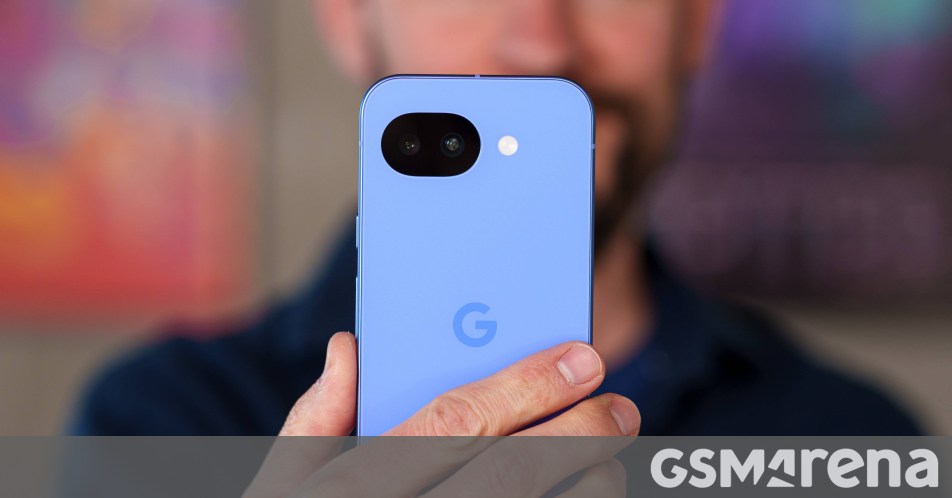
Google Rolls Out May 2026 Update for Pixel: Bug Fixes, Stability, and What You Need to Know
If you’ve been noticing a few quirks with your Google Pixel lately, help is on the way. Google has officially started rolling out the May 2026 update for its Pixel lineup, covering everything from the Pixel 7a right up to the brand-new Pixel 10 series and the Pixel Tablet.
While this isn’t a “Feature Drop” month—meaning you won’t see flashy new tools—it’s an essential patch for stability. Carrying build number CP1A.260505.005, this update bundles the latest security patches with some much-needed fixes for persistent software headaches.
Solving the Annoyances: What’s Being Fixed?
Google addressed a handful of specific bugs that users have been reporting over the last few weeks. If your phone has been acting up, one of these might be the culprit:
- Charging Snags: A fix for sluggish wireless charging speeds that occurred specifically when the battery hit the 75-80% mark.
- Camera Stability: No more freezing while recording video or frantically trying to zoom in on a shot.
- Display Glitches: Fixes for visual noise, flickering white dots, and those moments where the screen feels fuzzy or unresponsive.
- Keyboard Lag: Improvements to keyboard rendering and responsiveness to stop it from freezing mid-sentence.
The update is currently hitting the Pixel 7a, Pixel 8 series, Pixel Fold, Pixel 9, and the entire Pixel 10 family, including the recently released Pixel 10a.
A Heads-Up for Pixel 10 Users
If you’re rocking the Pixel 10, Pixel 10 Pro, or the new Pixel 10a, there is one important caveat. This update includes a bootloader change. This means that once you install this version, you won’t be able to roll back to older Android 16 builds. It’s a one-way street, so keep that in mind if you’re someone who likes to tinker with previous software versions.
Which Devices Get the Update?
The rollout is hitting the following devices starting today:
- Pixel 7a
- Pixel 8, 8 Pro, and 8a
- Pixel Fold
- Pixel 9 Series
- Pixel 10, 10 Pro, and 10a 5G
- Pixel Tablet
Keep an eye on your system settings over the next few days as the update reaches more regions. To check manually, head to Settings > System > Software updates. It’s a relatively small download, but it goes a long way in keeping your device running smoothly.
About The Author