Google Stealthily Upgrades Pixel Audio With LHDC v5 Support in Android 17
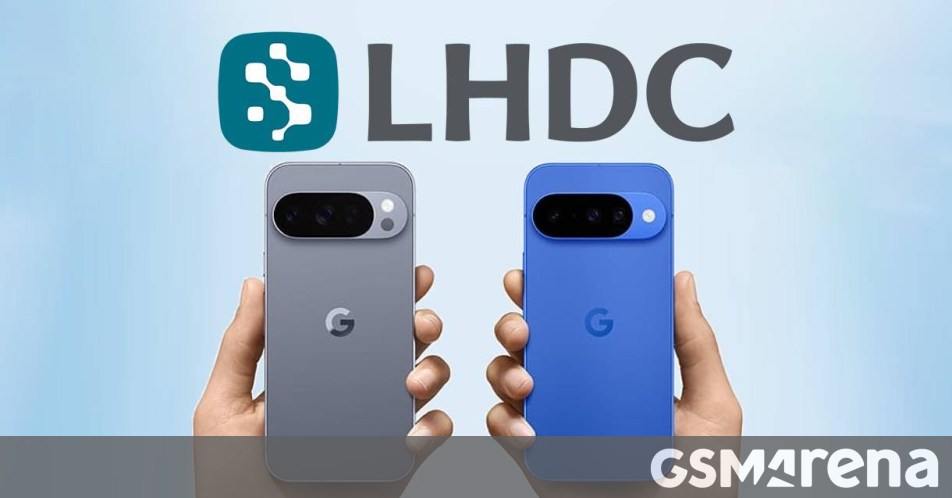
Android 17 Quietly Levels Up Your Bluetooth Audio with LHDC v5
If you’ve been digging through the official Android 17 release notes from Google, you might have missed a pretty significant audio upgrade. While Google didn’t exactly shout it from the rooftops, the latest OS update officially brings support for the LHDC v5 codec to Pixel devices. Sharp-eyed users first caught wind of this back in the Android 17 beta 3, but now that the stable version is rolling out, it’s finally available to everyone.
How to Check If You Have LHDC v5
By default, this feature should just work, but if you want to verify it or tweak your settings, you’ll need to dip into the Developer Settings. If you haven’t enabled those yet, it’s a quick process: head to Settings > About Phone and tap the Build Number until you see the confirmation message.
Once you’re in the Developer Options menu, look for the Bluetooth Audio Codec section. Tap that, and you should see a list of available codecs—if everything is working as it should, LHDC v5 will be right there as an option.
Why You Should Care About LHDC v5
If you’re a fan of high-fidelity sound, this is a big deal. LHDC (Low Latency High-Definition Audio Codec) v5 is designed for audiophiles who don’t want to be tethered by wires. It offers a low-latency connection of just 80ms, paired with an impressive adaptive bitrate ranging from 128Kbps all the way up to 900Kbps. Plus, it supports sampling rates up to 96kHz, which is fantastic news for anyone using lossless streaming services like Apple Music.
Many popular earbuds, like the Nothing Ear (2) and the OnePlus Buds 4, have already supported v5 for a while. Now that Pixel phones are finally joining the party, you can get the most out of your high-end gear. Just make sure to check your headphone’s companion app to ensure that “Hi-Res Audio” or the highest quality mode is toggled on, and you’re ready to enjoy some crisp, lossless audio on the go.
About The Author