Chrome’s New Autofill Update Makes Mobile Browsing Smarter Than Ever
Google Chrome Just Made Filling Out Forms Way Easier
We’ve all been there—staring at a screen while trying to check in for a flight or pay for parking, fumbling to find a passport number or a driver’s license. It’s tedious, especially on a mobile device. Fortunately, Google is rolling out a major update to Chrome’s autofill features on both Android and iOS that aims to cut that friction out of your day.
Deeper Google Wallet Integration
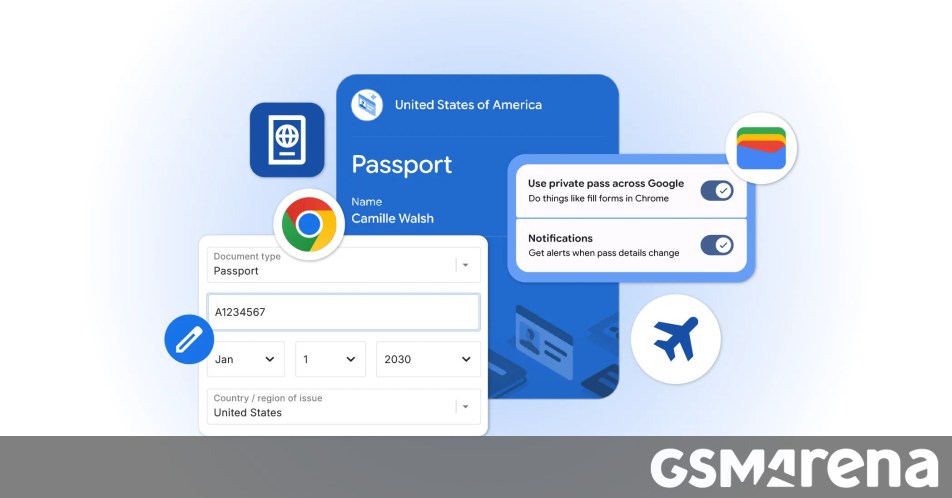
The update brings a more seamless connection between your browser and your Google Wallet. Now, Chrome can pull more than just your standard credit card info or address. It’s expanding to include sensitive details like your driver’s license, passport information, and your Known Traveler Number.
The best part? If you haven’t saved that information to your Google Wallet yet, you don’t have to switch apps to set it up. You can simply add those details directly within Chrome the moment you’re prompted to enter them, and the browser will handle the rest for your future sessions.
Security and Control
Of course, trusting a browser with your identity documents is a big deal. Google emphasizes that this is an opt-in experience—nothing gets saved or filled without your explicit permission. All sensitive data is encrypted, and you remain in the driver’s seat regarding your information. If you ever need to update or remove a document, you can manage everything easily by heading to the Autofill and passwords section within your Chrome settings.
This update is a clear win for anyone who is tired of repetitive typing. By making the browser a bit smarter, Chrome is evolving from a simple search tool into a digital assistant that helps you breeze through those necessary but annoying administrative tasks.
About The Author