Samsung Galaxy S25 June Update: New Features You Won’t Find in One UI 8.5
Samsung’s Galaxy S25 Series Just Got Smarter with New Galaxy AI Features
When Samsung rolled out the stable One UI 8.5 update for the Galaxy S25 series last month, it felt like something was missing. While the performance tweaks were welcome, the high-end Galaxy AI features seen on the newer S26 lineup were nowhere to be found. Fortunately, that wait is over. The June 2026 Android security update is officially bringing those missing pieces to the S25 family.
This update is more than just a routine security patch. Samsung is using this release to introduce three major AI-driven tools designed to make managing your digital life a whole lot easier: Prioritize Notifications, Notification Highlights, and File Summaries.
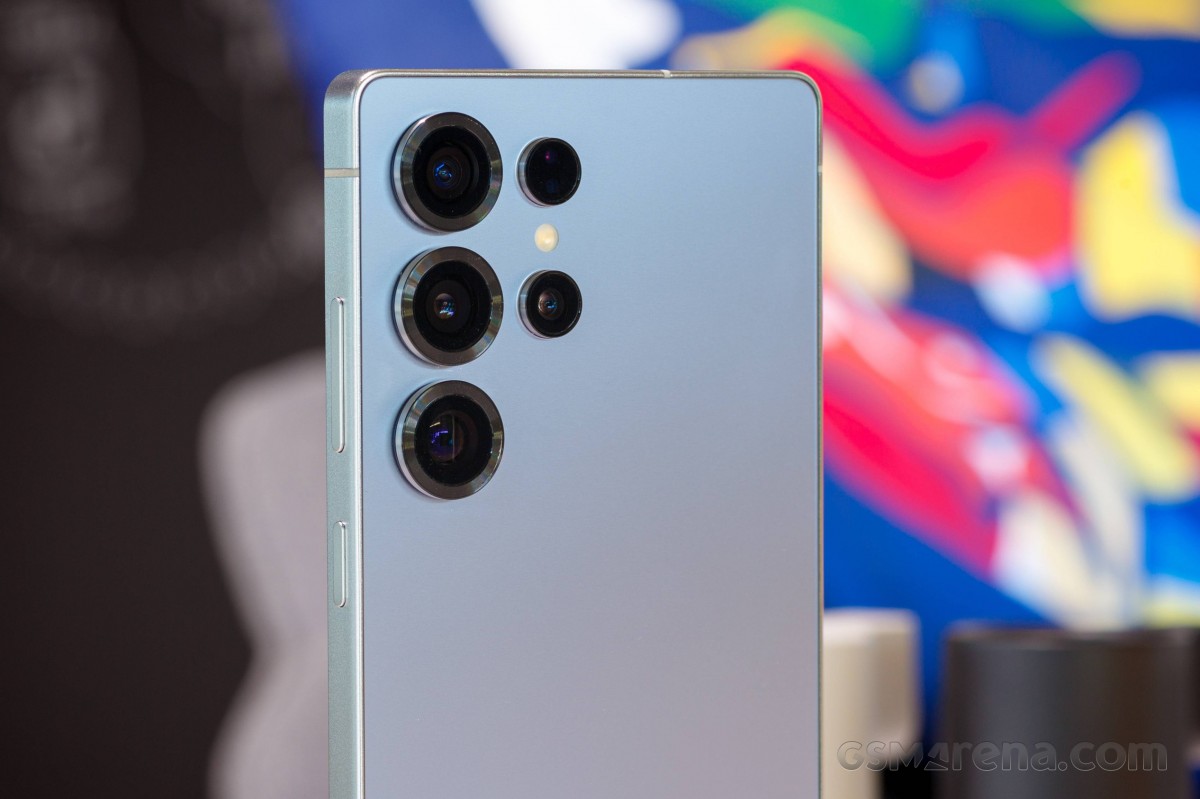
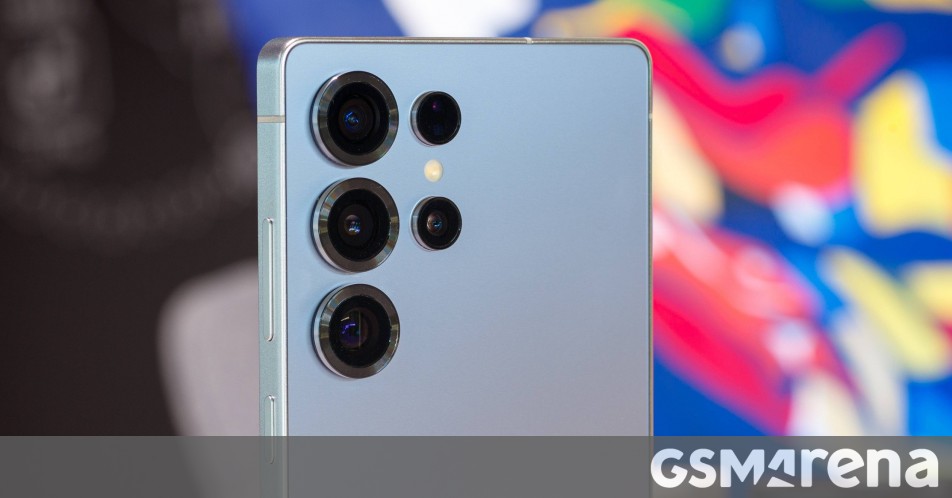
The Galaxy S25 Ultra is finally catching up with the latest AI tools.
Clearing the Notification Clutter
We all know the feeling of a phone blowing up with group chats while you’re trying to spot an important work email. The Prioritize Notifications feature uses Galaxy AI to learn what actually matters to you, moving high-priority alerts to the top of your stack based on your habits and the content of the message.
If you’ve been away from your phone for a while, Notification Highlights (also known as Summarize Notifications) will be your new best friend. Instead of scrolling through dozens of individual pings, Galaxy AI gives you a quick, digestible summary so you can get the gist of what you missed in seconds.
Better Productivity with File Summaries
The productivity boost extends to your documents as well. The new File Summaries tool can now generate AI-powered breakdowns of PDF and TXT files. It even integrates with the Voice Recorder app, allowing you to turn long recordings into concise bullet points—perfect for meetings or lecture notes.
Rollout Details
The update, carrying firmware version S93xNKSUACZF1, weighs in at about 900MB. It is currently rolling out to users in South Korea, and we expect a global release to follow shortly.
If you’re carrying a Galaxy S25 series device, you can check for the update manually by heading to Settings > Software update. It’s a substantial download, so it’s a good idea to be on a stable Wi-Fi connection before you start.
About The Author