Samsung Galaxy Tab S10 FE and FE+ receive One UI 8.5 stable update, rollout for S23 FE begins in India
Samsung’s One UI 8.5 Wave Hits More Devices: Galaxy Tab S10 FE and S23 Series Join the Party
Samsung is clearly in high gear with its latest software rollout. Hot on the heels of the Galaxy Tab S11 and Tab S11 Ultra getting their stable One UI 8.5 builds, the tech giant is now bringing the same treatment to several more fan-favorite devices. If you’re holding a Galaxy Tab S10 FE or a member of the Galaxy S23 family, it might be time to start refreshing that update button.
The Mid-Range Tablets Get a Major Boost
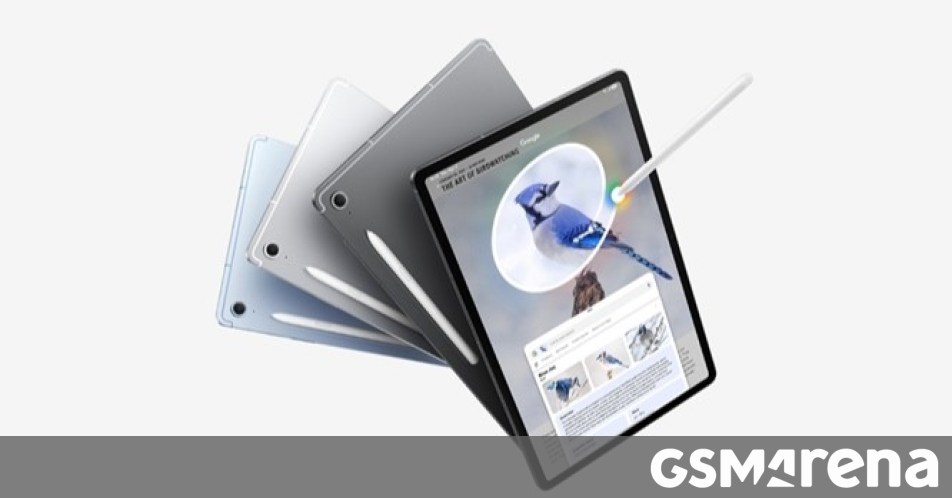
First up on the list are the Galaxy Tab S10 FE and Tab S10 FE+. The stable update has officially landed for these tablets, starting its journey in South Korea. While the rollout is currently localized, we expect it to go global within the next few days. These Fan Edition tablets are known for balancing performance and value, and the jump to One UI 8.5 should help keep that experience feeling fresh and snappy.
The Galaxy S23 FE Goes Global
The Galaxy S23 FE is also making headlines. After an initial debut in South Korea, the stable One UI 8.5 update (firmware version S711BXXUFGZDP) is now hitting devices in India. For those who were already part of the beta program, the download is a relatively light 260MB. If you’re coming from a previous stable version, expect a larger file size. If you haven’t seen the notification yet, don’t worry—it’s rolling out in phases and should hit all Indian handsets shortly.
US S23 Owners: Check Your Settings
Across the pond, Samsung hasn’t forgotten about its 2023 flagships. Carrier-locked models of the Galaxy S23, S23+, and S23 Ultra in the United States are finally seeing the stable One UI 8.5 update. This one is a bit of a heavyweight, clocking in at over 4GB with firmware version S91xUSQU7FZE2. Given the size of the update, you’ll definitely want to be on a stable Wi-Fi connection before hitting download.
This massive update likely packs in a range of performance tweaks, security patches, and the refined user experience that Samsung has been polishing throughout the beta cycle.
How to Update Your Galaxy Device
Waiting for a push notification can be like watching paint dry. If you want to see if the update is ready for you right now, you can check manually by following these simple steps:
- Open your Settings app.
- Scroll down and tap on Software update.
- Hit Download and install.
If the update hasn’t arrived in your region yet, keep checking over the next few days as Samsung continues to flip the switch for more markets worldwide.
About The Author