Google announces Gemini Intelligence features coming to Android later this year
Google Unveils Gemini Intelligence: A Massive Upgrade for Your Android Ecosystem
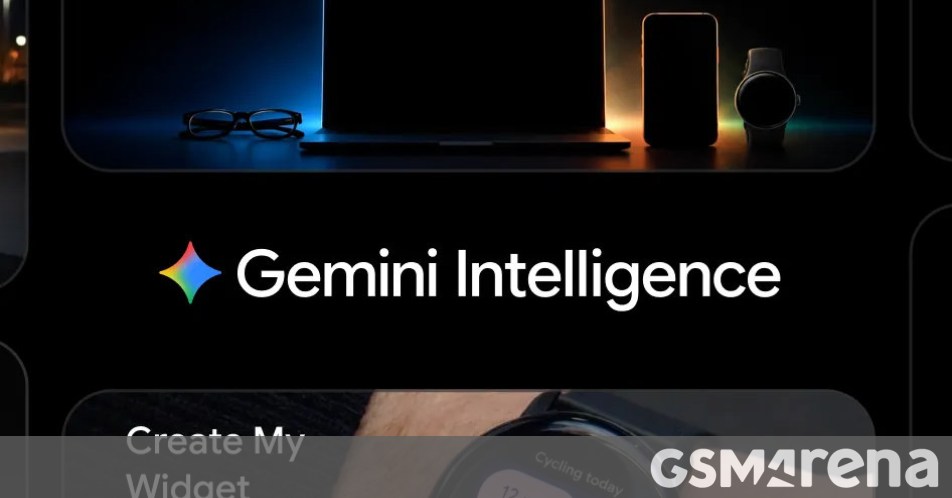
Google just pulled back the curtain on its next big leap in mobile technology: Gemini Intelligence. This isn’t just another minor update; it’s a sophisticated suite of features designed to make your devices actually work for you. While we can expect to see these tools debut on the upcoming Galaxy S26 series and Pixel 10 family this summer, the rollout won’t stop there. Google confirmed that Gemini Intelligence will eventually make its way into your car, onto your wrist with Wear OS, into your glasses, and even onto your laptop later this year.
Your Personal Do-Engine
The most impressive part of Gemini Intelligence is its ability to handle multi-step tasks that used to require a dozen taps. Thanks to visual context, Gemini can see what’s on your screen and act on it instantly. Imagine looking at a grocery list in your notes app—Gemini can now transform that list into a pre-filled shopping cart for your favorite delivery service. Planning a trip? If you’re looking at a travel brochure, you can simply ask Gemini to find a similar tour on Expedia for your group of six. The best part is that you don’t have to sit and watch it work; you can track its progress via a live notification and just give the final ‘okay’ when it’s done.
Browsing and Productivity Reimagined
Starting in late June, Chrome on Android is getting a major IQ boost. Gemini will be integrated directly into the browser to help you research, summarize long articles, and compare products across different websites. There’s also a new feature called Auto Browse, which can take over the tedious tasks of booking appointments or snagging a parking spot. To top it off, Google is supercharging its Autofill service. With your permission, Gemini will use ‘Personal Intelligence’ to accurately fill out those tiny, annoying text fields in apps and Chrome that traditional autofill usually misses.
Speak Naturally with ‘Rambler’
We’ve all been there—trying to use voice-to-text but ending up with a mess of ‘ums,’ ‘ahs,’ and ‘likes.’ Gboard’s new feature, Rambler, is designed to fix that. It lets you talk exactly how you normally do, even if you’re switching between languages mid-sentence, and then ‘translates’ your speech into clean, professional text. It’s a game-changer for anyone who prefers talking over typing but hates the editing process.
Customization and a Fresh Look
If you’ve ever wanted a specific widget but couldn’t find it, the new Create My Widget feature is for you. By simply providing a text prompt, Gemini Intelligence can build custom widgets for your Android phone or Wear OS watch on the fly. All of these features are wrapped in a refreshed design language. Google describes it as a functional, beautiful interface with purposeful animations that aim to reduce distractions and keep you focused on what you’re actually trying to get done.
About The Author