Android 17 Is Finally Here: Update Your Pixel Phone Now
Android 17 is Officially Here: What You Need to Know
Google has officially kicked off the rollout of Android 17! If you’re rocking a Pixel 6 or anything newer, keep an eye on your update notifications—it’s headed your way starting today. While Pixel users are the first in line to get their hands on these upgrades, Google confirmed that support for other manufacturers will follow throughout 2026. Plus, the source code is now live on the Android Open Source Project (AOSP) for the developer community to dive into.
Game-Changing Multitasking
One of the coolest additions in this release is the new App Bubbles feature. It’s a total game-changer for multitasking, allowing you to turn any app into a floating window that sits right on top of whatever else you’re doing. If you’re using a foldable phone or a tablet, you’ll even get a handy bubble bar at the bottom of the screen to keep all your floating apps neatly organized.
Speaking of foldables, gamers are in for a treat. Google is introducing a new 50/50 split-screen layout designed specifically for gaming. You’ll be able to play on one side of the screen while a dynamic gamepad takes over the other, making those long sessions much more comfortable. Look for this feature to hit devices in the coming months.
Content Creation and Privacy Upgrades
Love recording your screen? Android 17 makes it more personal with Screen Reactions. Now, you can capture your live reactions using the selfie camera while your screen recording runs—perfect for tutorials or sharing highlights with friends.
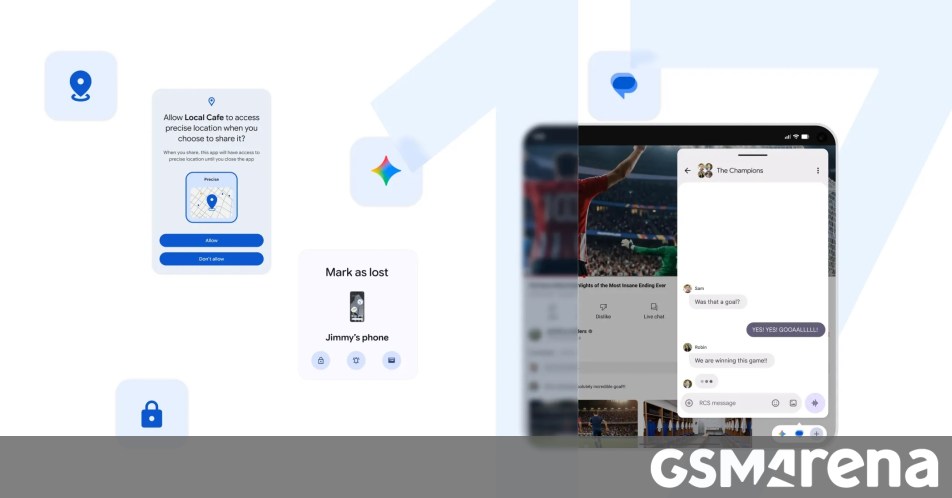
Privacy is also a major focus this year. Google has tightened up location permissions with a new “one-time precise location” option and a cleaner, more intuitive interface for choosing whether to share precise or approximate data. You’ll also find more granular control over your contacts, letting you share only specific entries with apps instead of handing over your entire phone book.
Security and Performance Boosts
Find My device is getting a serious security boost. The “Mark as lost” feature is now smarter than ever, allowing you to lock a missing device using biometric authentication. Combined with updates to Live Threat Detection and an improved Advanced Protection mode, your device has never been more secure.
Under the hood, Android 17 introduces stricter app memory limits to keep your phone running smoothly and prevent background apps from hogging your RAM. Pair that with a refreshed dark theme and the ability to hide app names on your Home screen for a cleaner, minimalist look, and you’ve got a platform that feels both faster and more tailored to your personal style.
Keep an eye out for these updates as they hit your device, and get ready for some clever Gemini Intelligence features arriving for select advanced devices later this summer.
About The Author