Samsung Finally Brings This Long-Awaited Feature to the Galaxy S26 Series
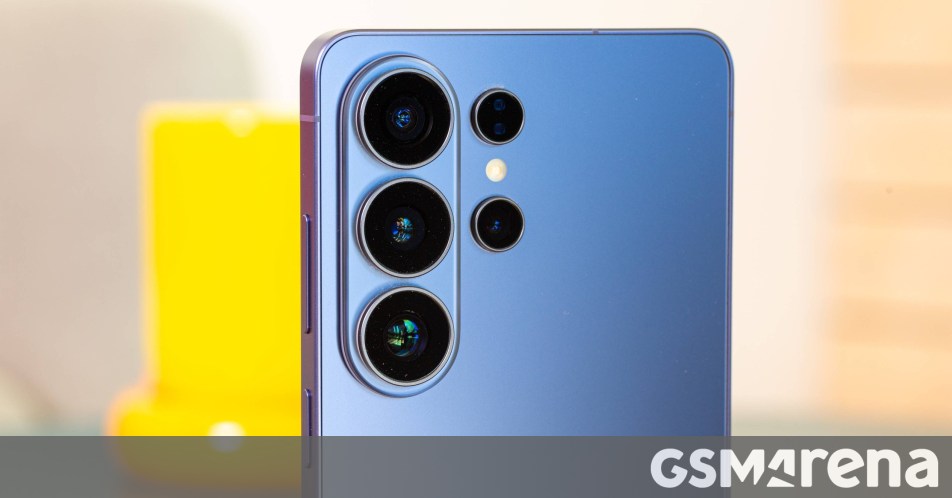
Finally: Real-Time Network Speed Indicators Arrive on Samsung Galaxy
For years, Samsung users have had to look on with a bit of envy as owners of OnePlus, Xiaomi, and other Android devices enjoyed a simple but handy feature: a real-time network speed indicator right in the status bar. While it’s a small detail, knowing exactly how fast your data is moving in the moment is surprisingly useful. Up until now, Galaxy owners usually had to rely on third-party apps or system-level rooting to get the same result.
The One UI 9 Catch
The good news is that the wait is finally over—provided you’re running the latest software. This feature has surfaced within the QuickStar module of Samsung’s Good Lock customization suite. However, there is a catch: it currently requires One UI 9 (based on Android 17), which is presently available in beta for the Galaxy S26 series in select regions.
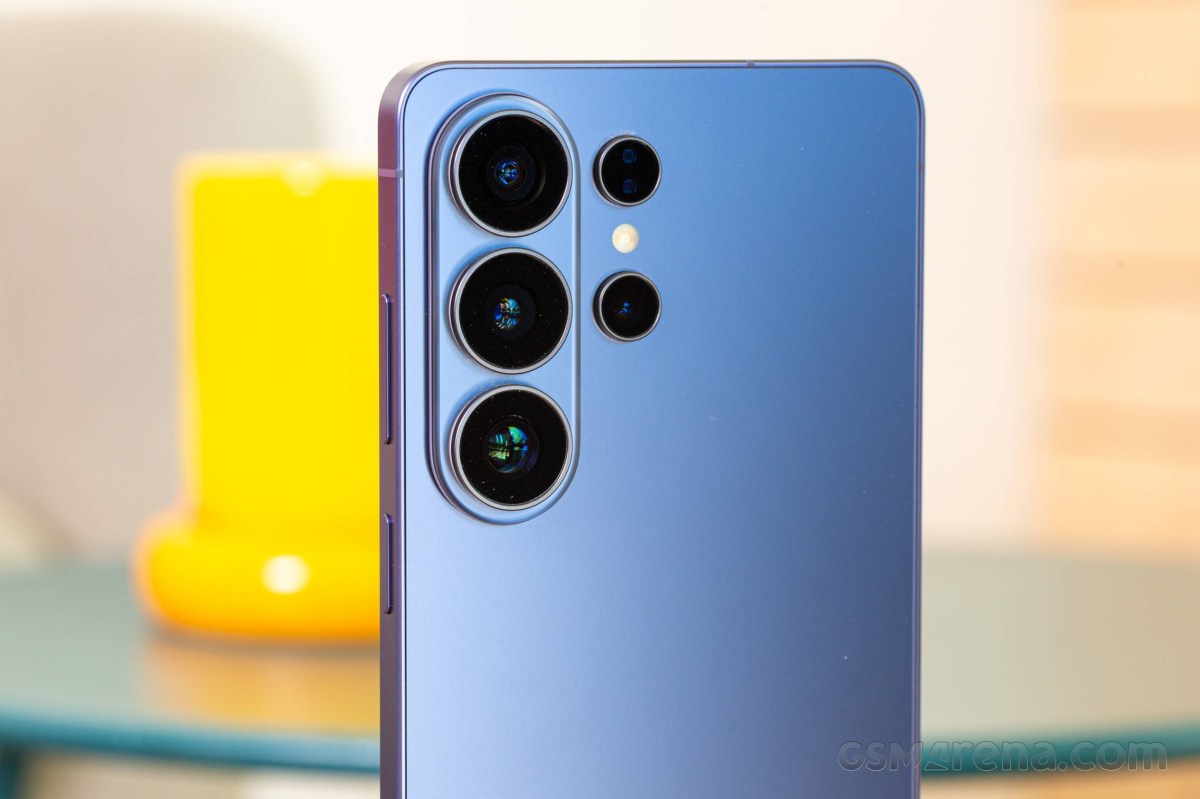 The new Galaxy S26 Ultra leading the way with One UI 9.
How to Enable the Network Speed Indicator
If you’re one of the early adopters rocking the S26 beta and want to see your data speeds in real-time, here is how you can set it up:
- Install Good Lock: If you don’t have it already, grab it from the Samsung Galaxy Store or Google Play Store.
- Update QuickStar: You’ll need version 15.7.00.27 or newer. If the update hasn’t hit your local store yet, some users are manually installing the APK to skip the line.
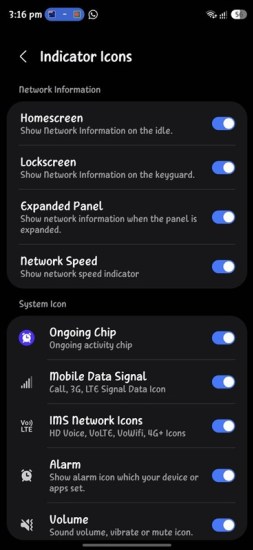
- Toggle it on: Open Good Lock, find QuickStar in the Plugins section, and make sure the main toggle is on. Then, tap Visibility of indicator icons and look for the Network Speed option.
Once you flip that switch, your live upload and download speeds will appear in the top-right corner of your screen. It’s a clean, native-feeling implementation that fits much better than any third-party overlay ever could.
Will it come to older devices?
Since this functionality is currently tied to the One UI 9 beta, it is still unclear if Samsung will backport the feature to older versions of One UI. Typically, these types of Good Lock updates are optimized for the latest OS releases, so users on older hardware might have to wait until they receive their respective Android 17 updates. For now, it’s a fantastic perk for those testing out the future of Samsung’s mobile ecosystem.
Sources: SamMobile, X (Twitter)
About The Author