Apple watchOS 27 Revealed: Siri AI Integration & Stunning New Design Features
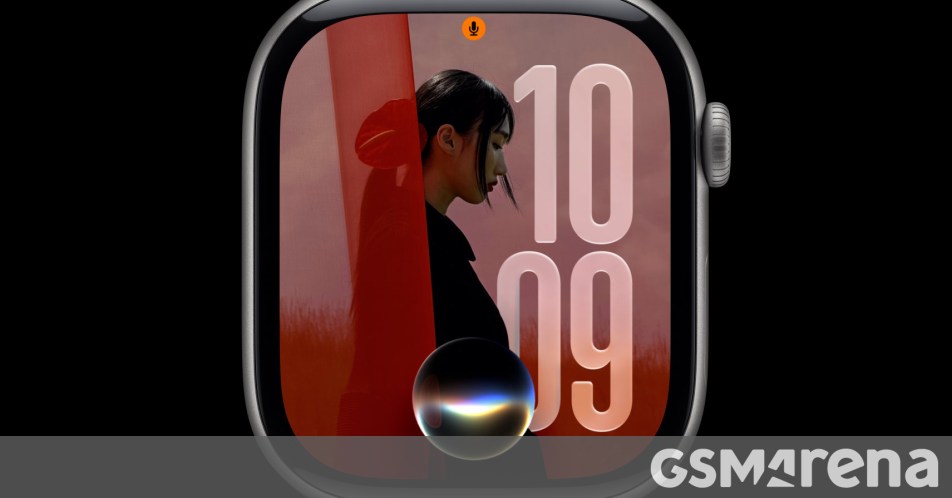
What’s New in watchOS 27: Siri, Better Workouts, and a Modern Design
Apple’s Worldwide Developers Conference usually steals the show with the latest iPhone and Mac updates, but this year, your wrist is getting some serious attention too. Alongside the heavy hitters like iOS 27 and macOS 27, Apple has officially unveiled watchOS 27. It’s a refinement of the experience we know, packed with smarter features and a much-needed design polish.
Before we dive into the details, here is the fine print: you’ll need an Apple Watch Series 9 or later, an Ultra 2 or 3, or the new SE 3 to run this. Also, since a lot of the heavy lifting happens via the latest software enhancements, you’ll need a compatible iPhone nearby to make the magic happen.
Siri Gets a Brain (and a Memory)
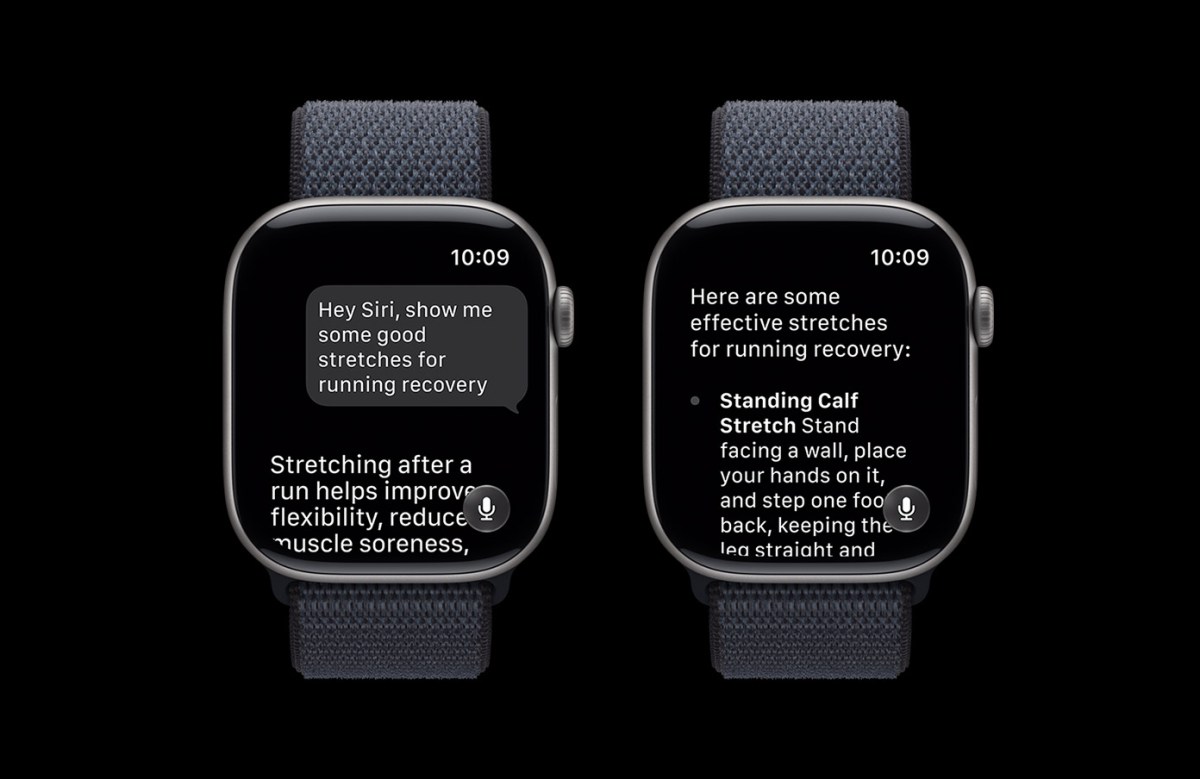
The headline feature is undoubtedly the revamped Siri experience. Instead of just being a voice that occasionally misunderstands your requests, Siri now lives in a dedicated app. This version of the assistant is much more context-aware and, crucially, remembers your past conversations. It feels less like a basic command tool and more like a digital assistant that actually knows what you’re trying to accomplish.
Fitness and Health Upgrades
For those who use their Apple Watch to stay active, the Workout Buddy is getting a significant boost. It now offers deeper insights into your pace, distance, and total duration, helping you track progress more effectively over time. If you’re a treadmill runner or a mall walker, you’ll appreciate the improved accuracy for indoor movement tracking.
- Step Syncing: Finally, the step count in the Fitness app and the Health app will stay perfectly in sync. No more weird discrepancies between the two data sources.
- Menstrual Health: Apple has expanded its cycle tracking features to provide more comprehensive support and data visualization.
- Spanish Support: Workout Buddy is now fully available in Spanish, making these health features accessible to a much wider global audience.

A Sleeker Look and One-Handed Control
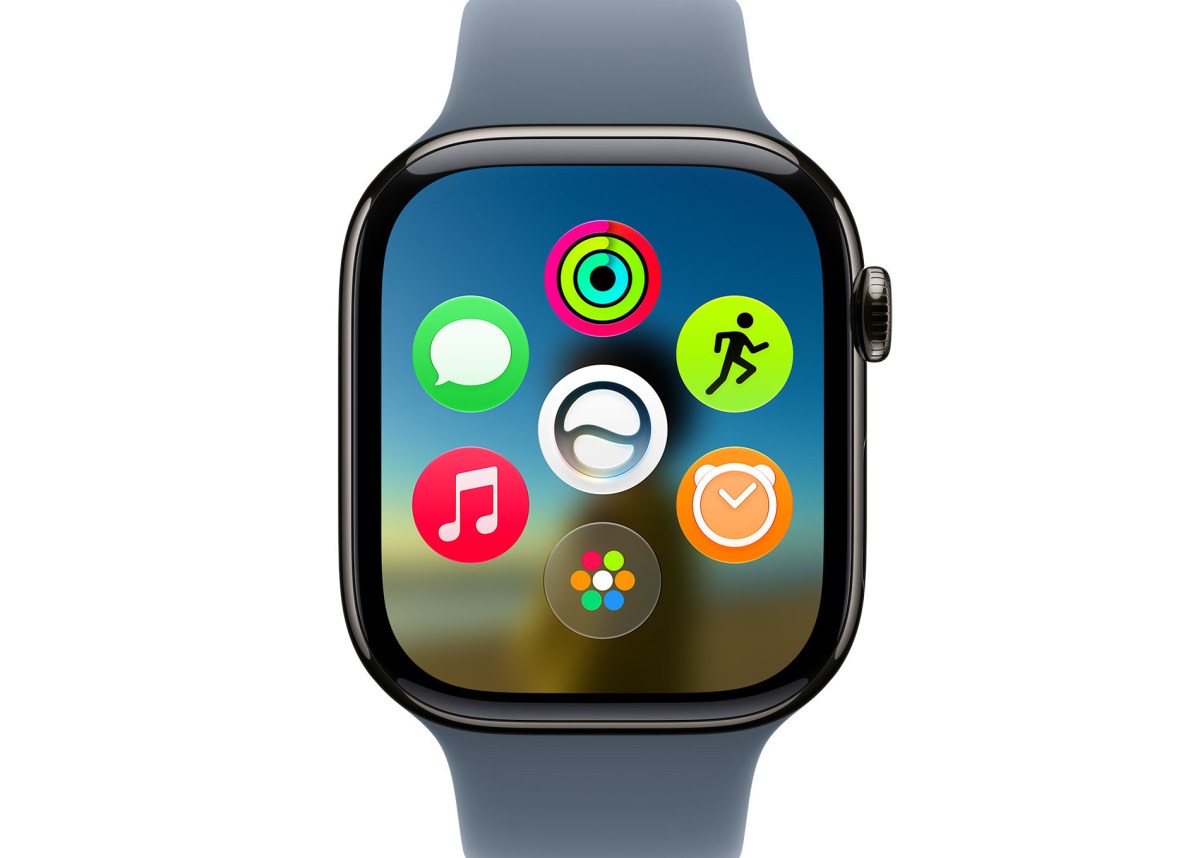
Apple is bringing the “Liquid Glass” aesthetic to the watch, matching the design language of iOS 27. The interface feels more fluid and modern. Navigating is also getting easier thanks to a new dynamic app grid that prioritizes the apps you actually use, with the Siri app staying front and center.
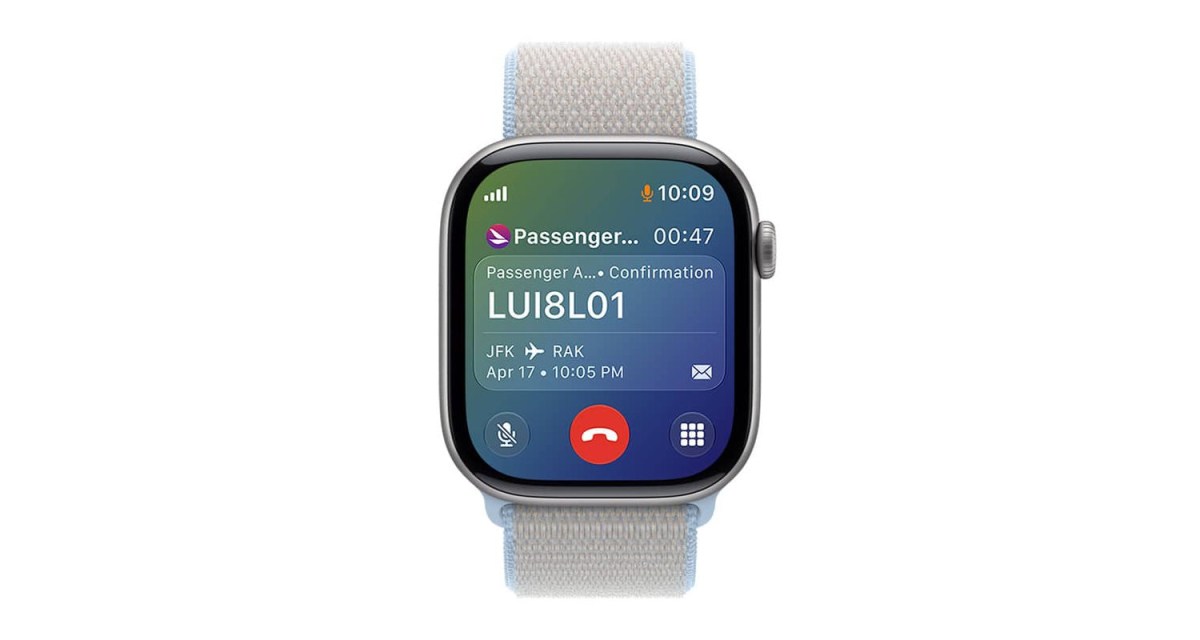
One of the coolest quality-of-life updates is the new single-tap gesture. You can now open a Smart Stack widget with just one hand, which is a lifesaver when you’re carrying groceries or holding a coffee. Plus, the Smart Stack is now smarter—it will automatically surface widgets based on what you’re doing at that exact moment, like showing a boarding pass when you arrive at the airport.
Find My, Wallet, and Family Features
The Find My app has finally landed on watchOS, making it easier to track down your devices directly from your wrist. The Wallet app has also been updated to allow for custom passes—if you have a loyalty card or a gym membership that uses a barcode or QR code, you can now add it manually to your watch.
Lastly, for parents, setting up an Apple Watch for kids is now much simpler. You can get them set up even if they don’t have their own iPhone, making it a great way to stay connected with the younger members of the family without needing to buy them a full smartphone just yet.
Expect watchOS 27 to hit your wrist this fall. With faster music playback, better battery optimization suggestions, and a more intuitive interface, it’s shaping up to be one of the most useful wearable updates in recent years.
About The Author